Close this window
Skip to Navigation

The Bs share What’s Next in marketing, technology, life and more.

book a B at your event


B social

Interactive

Fort Worthology

If you're from Fort Worth or if you've lived here any amount of time, I think you'd agree that it's not a very small town but retains its small town feel and charm. It's not uncommon for you to run into people you know when you're out running errands. It's full of unique details and quaint places that make people gush, "Ohmygosh, you have to go!" It is, by my standards, an ideal place to live.


Tricks of the trade

My job is one part nerd, one part suit, two parts entrepreneur and all parts flexible. I never know what a day will throw at me and I need a lot of tools to get me through every day. I thought I'd take a moment how to share how I bring some order to this crazy business. Here are my must-have, everyday tools:

  1. Gmail: Every email (both business and personal) runs through Google's email service. While most people get frustrated at their first attempt at the system, once you get the hang of it, you will never go back. Gmail uses “labels” and Outlook uses “folders” is the biggest difference, but it’s also Gmail’s biggest strength. More about that next.
  2. The GTDInbox: GTD = Getting things done. I use this religiously in my inbox. After all, most email messages are poorly designed tasks - so I treat them as such. At any given time, my inbox is usually empty, all of my emails that need response get put into an appropriate “action” folder. If I can respond in less than two minutes, I’ll do it right away.
  3. iPhone: No surprise here, but the iPhone is my smartphone of choice. Do some phones do email a little better? Sure. But no where else do you have over 50,000 applications to grow on an already powerful phone. The apps are what make the iPhone the winner in this game. I sync my iPhone email with Gmail to make sure I’m never out of touch.
  4. Breakfast Burritos: Enough said.
  5. GoogleSync: This fairly new service syncs all of my iPhone calendars and contacts with my Google ones. Awesome.
  6. Basecamp: This project management software runs our agency. We affectionately call ours the B-Hive (you can name the site). All of our deadlines, project overviews, addendums, etc. are stored on this site.
  7. Evernote: This a new addition to my arsenal. Evernote is a killer note-taking application. It is available on many different platforms: Web, Mac, PC, iPhone and Blackberry. This allows me to always have my notes available, wherever I am. I can search, sort and tag them - even upload photos with written text, and Evernote will transcribe it.
  8. P90X: My current workout routine, it keeps my head level on crazy days. Not for the faint of heart!
  9. iWork: This is Apple’s answer to Office. It is a much easier to use, and it’s a lot sexier. I use this to write proposals, manage and edit Excel documents, and create presentations.
  10. Google Docs: We use Google Docs as more of a Wiki than anything else. When we need to collaborate on some verbiage, edit an Excel file, or just keep an up-to-the-second stump sheet, Google Docs is our place to go.
  11. Tweetie: I use Tweetie to keep my personal Twitter running. It’s simple and recommended for most personal uses.
  12. Caffeine: Yes, please.
  13. TweetDeck: We manage Twitter accounts for several clients, and we use TweetDeck to follow their accounts.
  14. Radian6: For online reputation management and social monitoring clients, we use Radian6 to manage the flow of information.
  15. Time Machine: A MUST have for every Mac user. Everyone at the agency has a external hard drive to keep all files backed-up.
  16. iMapWeather.com: With the crazy storms that pass through DFW, this helpful tool alerts me of bad weather, and I can follow the storm in realtime. I also get a morning forecast to my inbox.
  17. Adium: This free chat software keeps all of the agency in step.

What do you use?


It's all interactive

It’s all interactive.

No, I don’t say that just because I’m the “Interactive Account Director” (if I must have an official title). But really, it's all interactive.

Let me explain. Everything an interactive/advertising/public relations agency does should be interactive - if not, why are they doing it? Is it supposed to be non-interactive? Is the viewer/audience/person supposed to do nothing? Of course not - that’s why I’m proud to say everything we do at Balcom is interactive.

Take, for example, our Gold Addy Winner “Oh My! Pink Eye!” for Alcon. It’s a game where children can play and parents can learn. It’s not an iPhone or computer screen, but it sure is interactive.

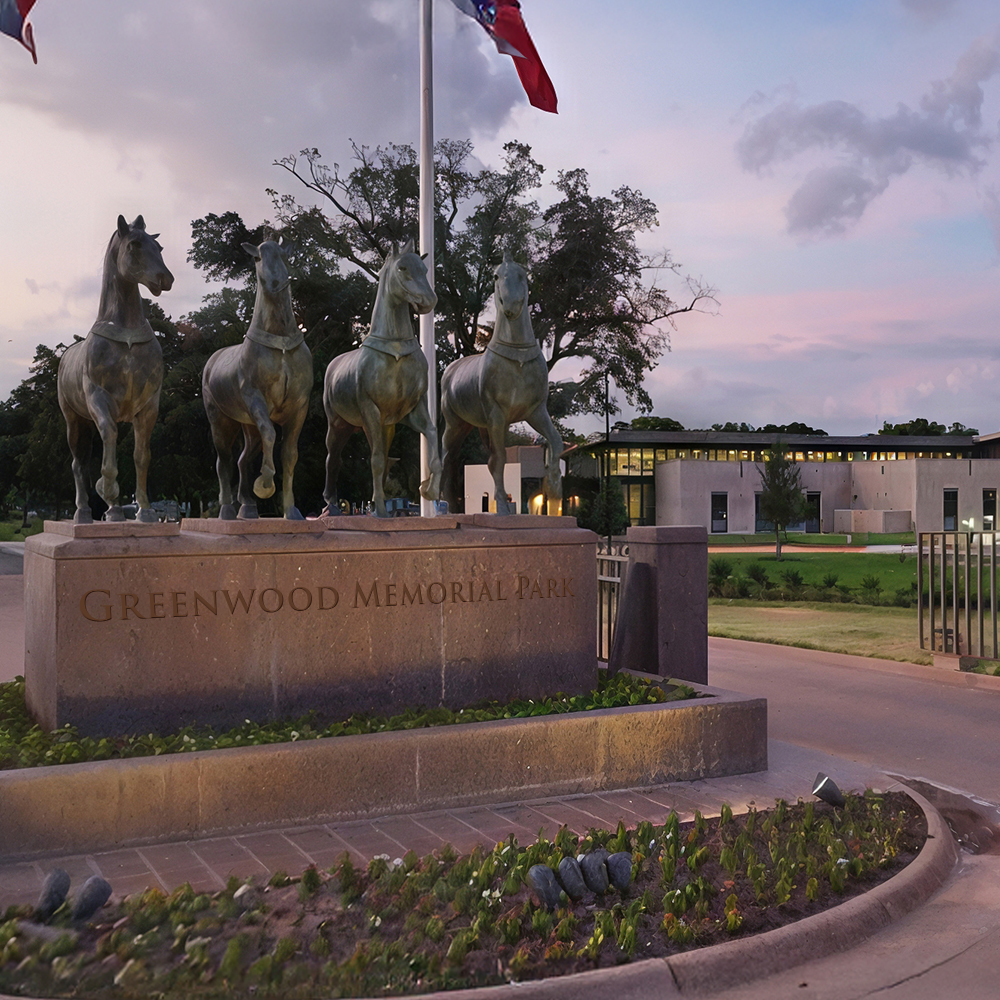
Or, if you’re thinking “that’s too easy,” look at our public relations department. We recently handled all of the PR for the dedication of the Fort Worth Police & Firefighters Memorial in Fort Worth, Texas. We didn’t just tell people about it, we encouraged them to go. In fact, we had around 1,000 go to the event and major TV stations and Newspapers covering the story. On top of that, the PR team worked with our interactive team to create a website where visitors could honor the fallen heroes by leaving a tribute.

I’m proud to say that everything is interactive. It’s not a buzzword we latched on to - it’s the way we work.


How Google Wave will change your life

One of the biggest complaints I get in the interactive space is "There's too much for me to keep up with!" Of course. You've got email, your Twitter account, LinkedIn, Facebook, Flickr, blogs, the list goes on and on. I agree, and I believe Google Wave will change a lot of that.

The internet, as connected as it's supposed to be, isn't very connected. Imagine if you had your own real time "dashboard" that allowed you to keep up with everything. While the idea seems simple, it's ingenious. The video is worth the watch (at least the first 25 mins) to get the point, but soon you'll see how revolutionary the idea is.

Not only does Wave connect everything, it will also change email. Email is a very antiquated system designed before the internet even existed, and it needs some change. In Wave, it transforms emails into a dynamic, real-time environment that is track-able and easy to use. It's hard to explain in words, but watch the video.

Wave is completely open source, meaning anyone can improve it and develop on it.

So, why is Google doing this? Their biggest slam in the past couple of months was regarding Twitter and their real-time search capabilities. Pundits have argued Google doesn't have a solution. With Wave, they do and it will blow Twitter away. Everything in Wave is real-time, and therefore Google will have access to everything in real-time (email, "tweets," photos, blog comments, etc.). Once they have that, you better bet your bottom dollar they will use it for advertising. It will be pretty powerful.

I still think Google Wave has a couple of big obstacles:

  1. It relies on HTML5 - which isn't widely available, yet. Hopefully this will force users to get off of Internet Explorer (especially 6), but it might be a stretch for some corporations.
  2. It's web-based - some individuals and corporations can't imagine why you'd want anything web based and it can be a tough sell.
  3. It's a new form of communication - Introducing a new way to communicate is never easy, especially when you are trying to change the way email works. It's going to work for those where everyone is using it, but I have a hard time imagining some of our clients adopting.

I'm excited. I think this is a great, next step in the web. I'll be signing up as soon as I can.

By the way, our very own John Robinson has already signed up for a developer account. If you want a head start on development on the next hot platform, let me know.